Performing a URL Lookup
 Updated 3 months ago
by
admin
Updated 3 months ago
by
admin
If you need to determine the category that a URL belongs to, there are two methods:
- Within Filter Rules
- Within Custom URL
google.com) or a specific URL (e.g. https://trustlayer.co.uk/wp-content/uploads/2025/08/TrustLayer-UK-Cyber-Resilience-Report-2025.pdf)Filter Rules method
Navigate to Security Modules > Web Security > Filter Rules:
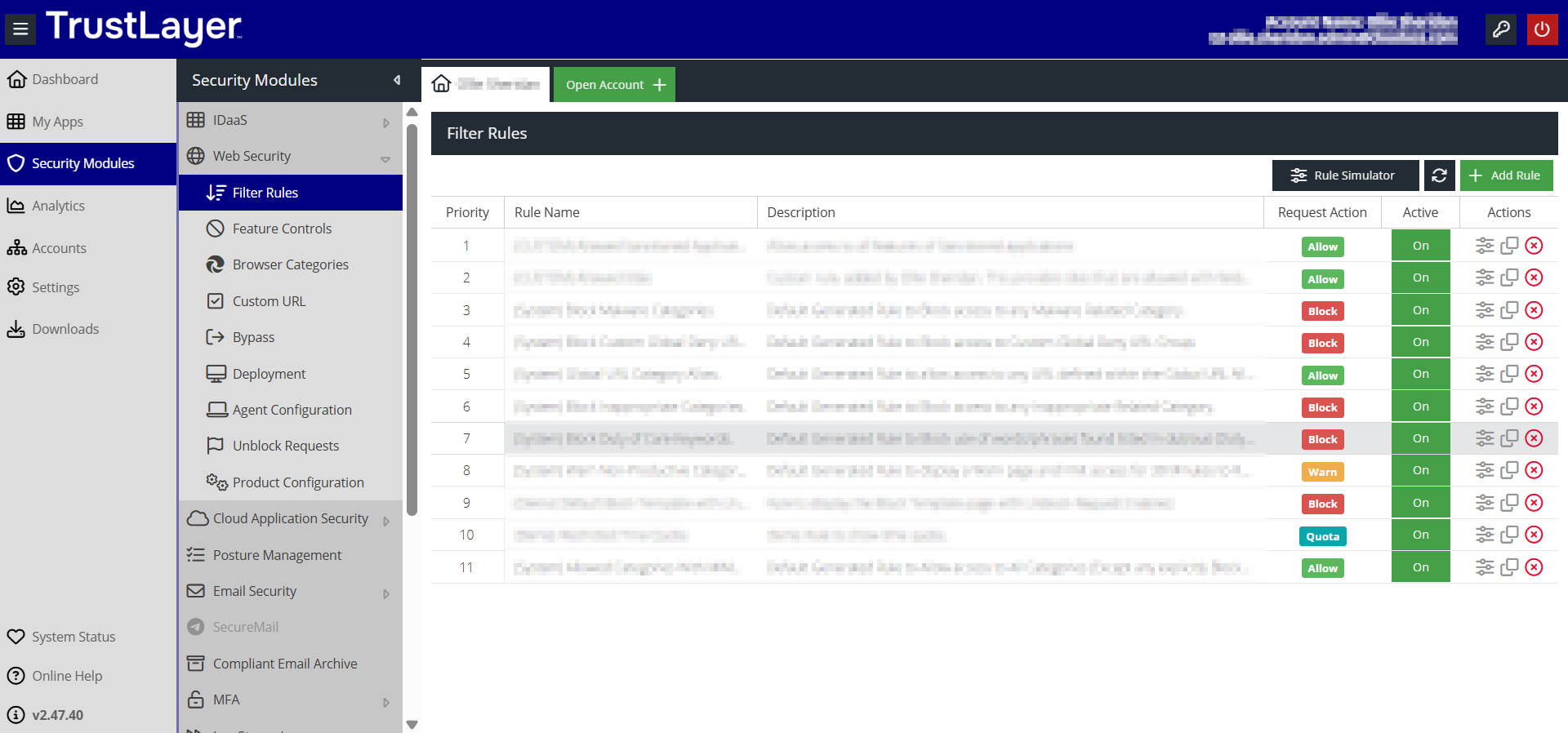
Click Rule Simulator:
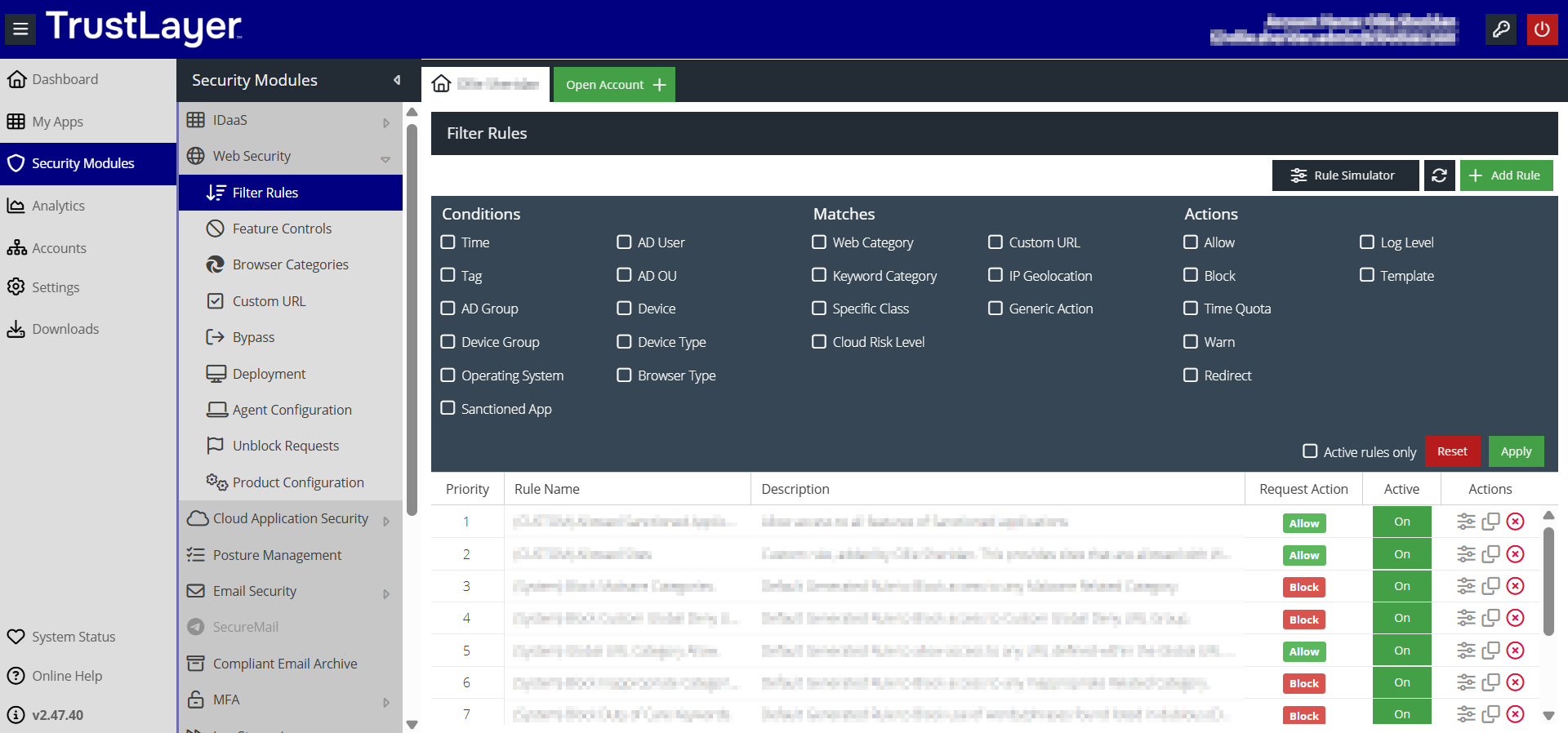
Then select Web Category, which opens a dialogue box in the middle of the window:
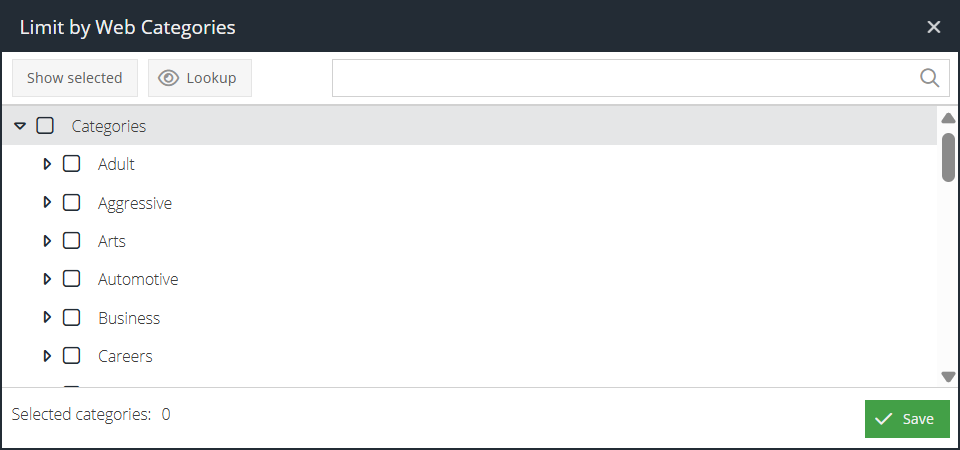
Click the Lookup button which opens another dialogue box:
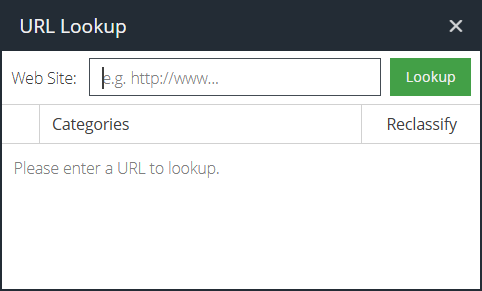
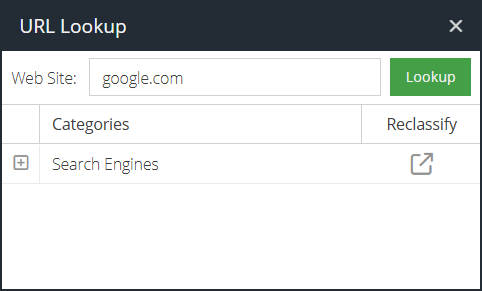
You can now enter your URL of choice, which does not have to be complete. For example, you don't necessarily have to put in the full URL (e.g. www.google.com) and can simply put in the domain (e.g. google.com):
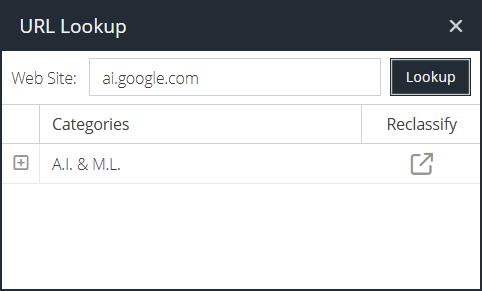
Note however that subdomains can produce different results. For example, ai.google.com is classified differently as A.I. & M.L.:
Custom URL method
Navigate to Security Modules > Web Security > Custom URL and then select one of the Custom URL Categories (in the example below I've selected Allow MIME Type Downloads) then click on the "eye" icon in the centre of the screen:
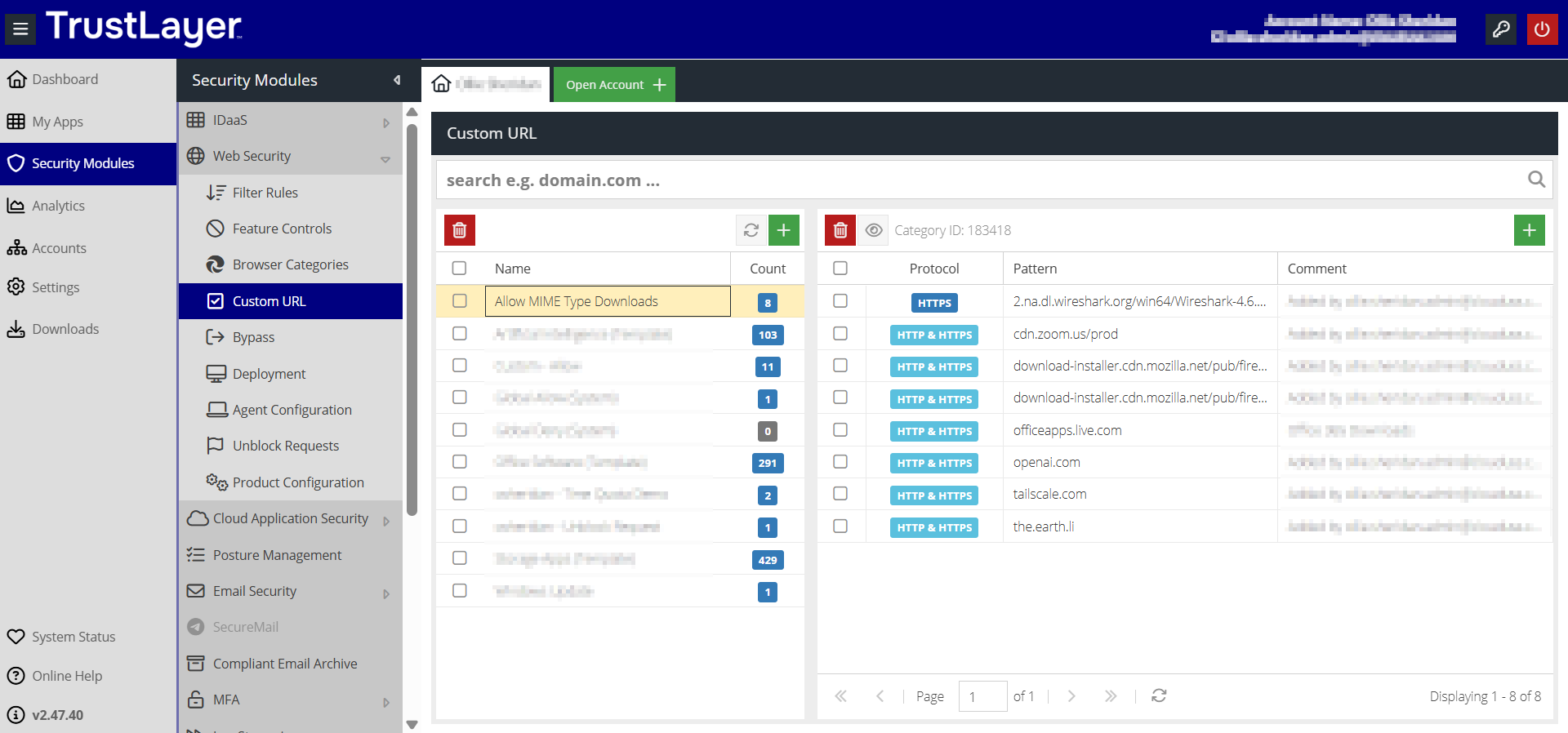
This displays the URL Lookup dialogue box:
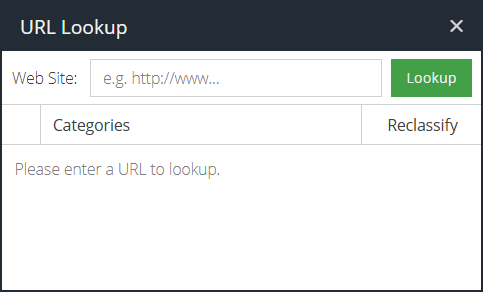
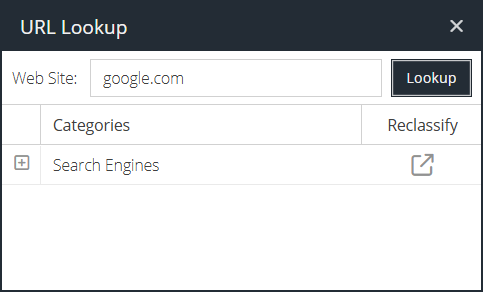
You can now enter a URL to determine it's category membership. For example, to lookup www.google.com you can just enter google.com like so:
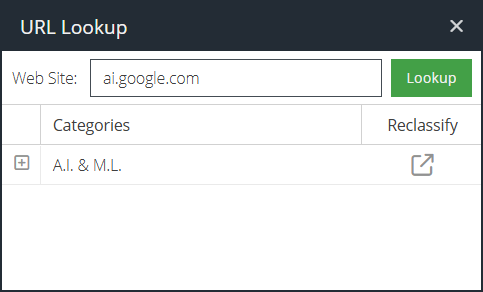
Note that as with the previous method that subdomains can produce different results. For example, ai.google.com is classified differently as A.I. & M.L.:
Requesting Reclassification of a URL
With billions of websites in operation on the Internet and these constantly changing hands, there may be rare occasions that a URL has been classified incorrectly. In these instances, the user is able to request the reclassification of a URL which can be achieved using the Reclassify button when performing a URL Lookup. For example, let's say that the URL www.trustlayer.co.uk is incorrectly classified as Information Security and we would like to request it to be changed (or added to) the category Business Software. To accomplish this we first look up the URL in the same manner as described previously:
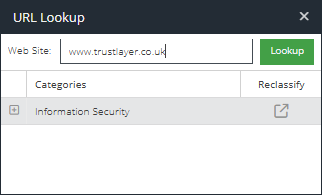
To the right of the displayed category (in the above example this is Information Security) we click on the icon in the Reclassify column, which launches a dialogue box entitled Send Reclassification Request:
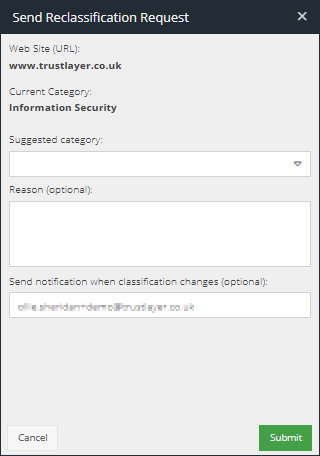
This dialogue box allows us to enter the Suggested Category along with optionally the reason for the request along with optionally the email for a notification. For example:
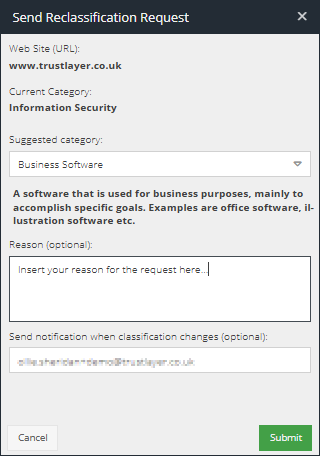
If an email is provided (again, this is optional) an email will be sent to the requester once the reclassification has been processed to inform them of the decision. Part of this reclassification process is to ensure that URLs are classified correctly, so this will be examined by the reclassification team to ensure consistency.
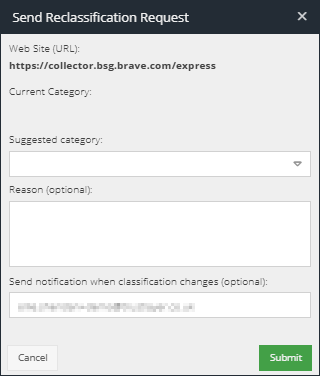
In addition to being able to make this request via the URL lookup, making this request from within the Web Activity by Hits report within Analytics is possible. For example, we may wish to request a change to the classification of the URL https://collector.bsg.brave.com/express specifically from our displayed Analytics:
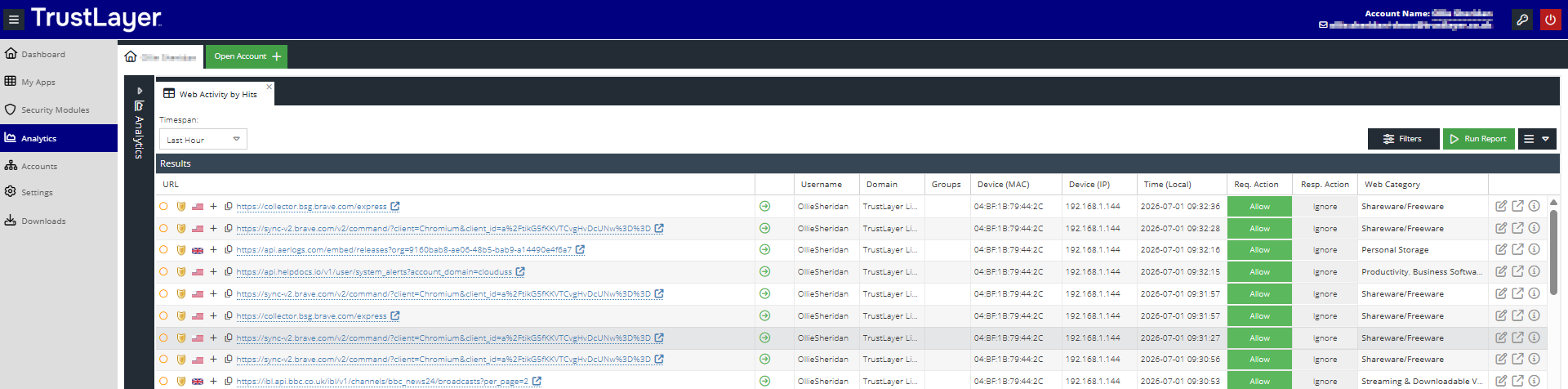
To the right we have the same icon for the reclassification of the URL that we can click and enter the Suggested Category along with again optionally providing a reasoning and our email address for notification: