Posture Management AI
 Updated 1 month ago
by
admin
Updated 1 month ago
by
admin
Posture Management AI is your Cloud Security Assistant that helps you understand security findings across your IaaS and SaaS cloud services. Available 24/7, it acts as a virtual security expert, guiding you through scan results, explaining controls in simple language, and helping you take actionable steps to improve your cloud security posture.
Chat Management
Open Chat
To start a conversation with the AI Assistant:
- If you have an AI license assigned, you’ll have access to a button that remains visible as you navigate the Dashboard. It is located at the bottom right of your screen.
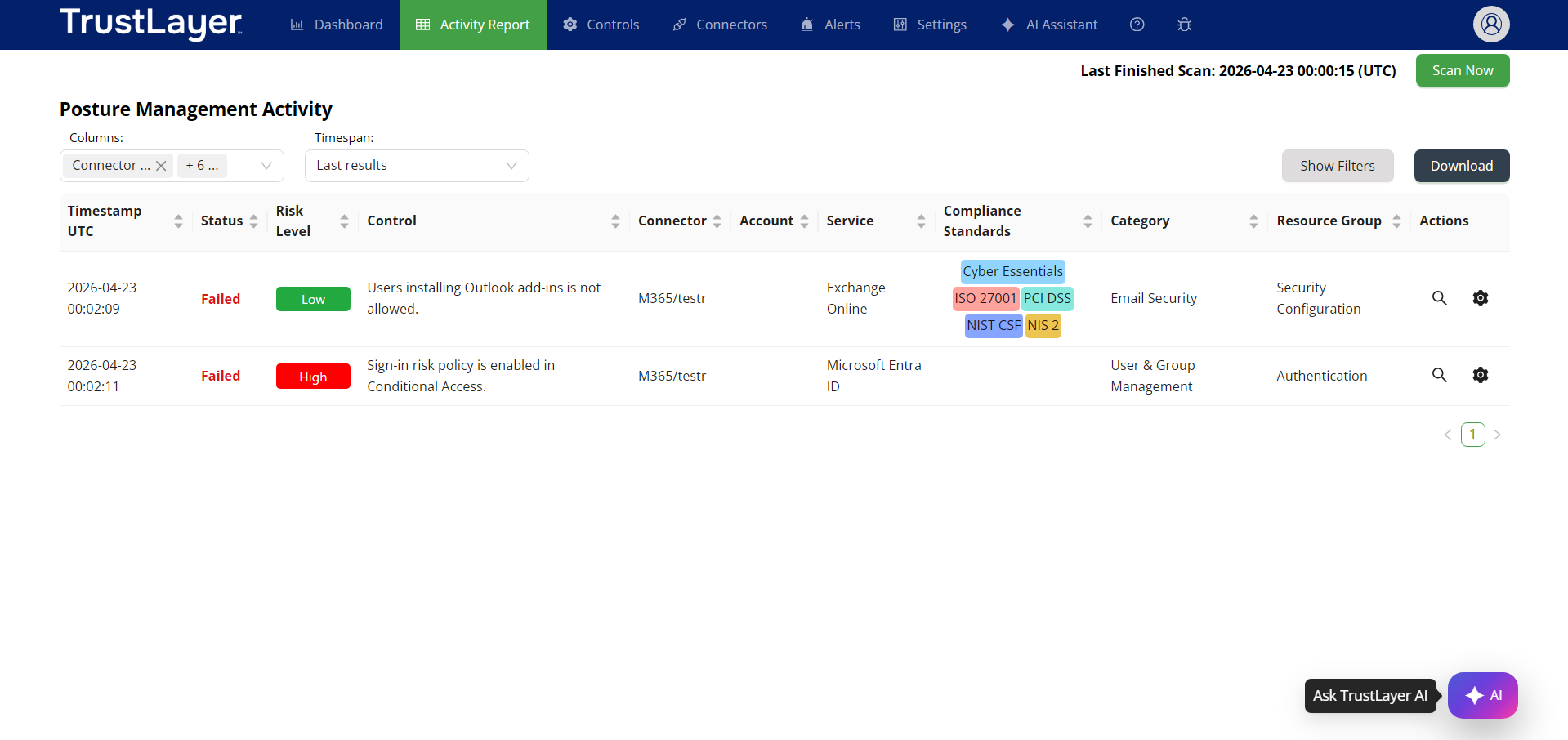
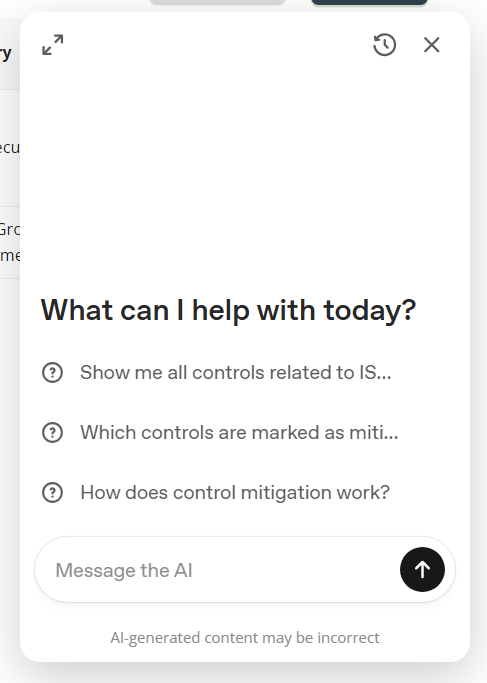
- Click the button or open the full mode via the AI Assistant menu option.
- Enter a prompt to start a chat.
Manage Your Chat History
Posture Management stores your prompts and the answers, enabling you to access your conversation history. These chats are private and visible only to you.
View Chat History
- Click the History button located in the top-left corner of the chat window. You will see a list of all your conversations.
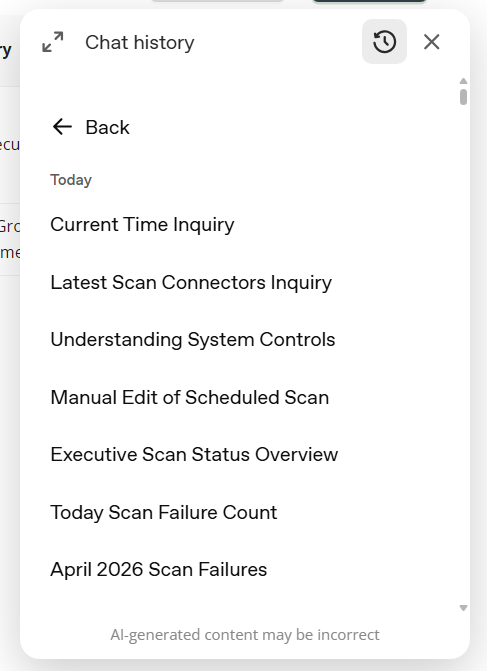
- Find the conversation you’d like to reopen and continue from where you left off.
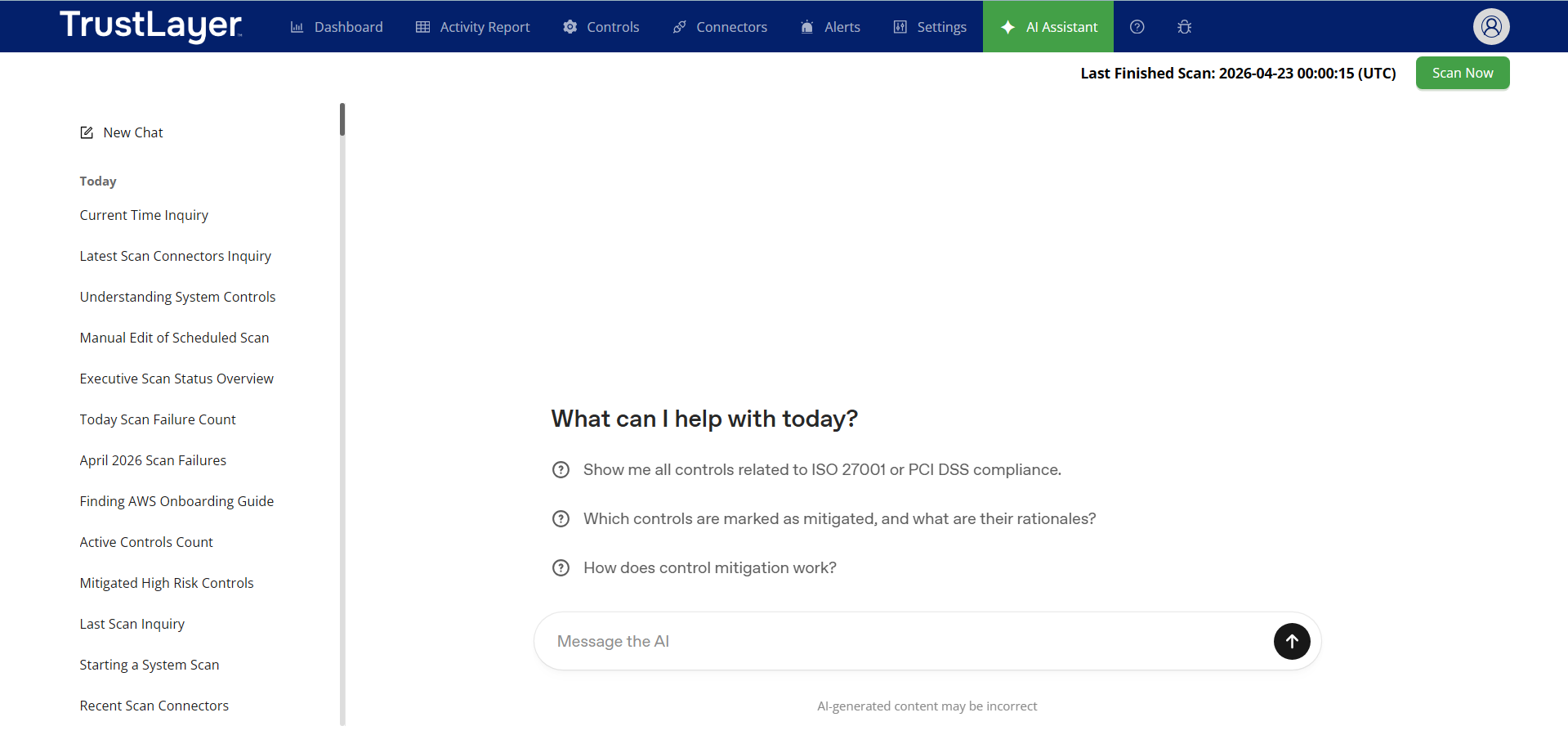
In full mode, you can find the History section on the left side of the page.
Manage Conversations
To rename a conversation:
- Select More Options by clicking the 3-dots.
- Select Rename.
- Enter a new name in the text field.
To delete a conversation:
- Select More Options by clicking the 3-dots.
- Select Delete.
- You will see a modal asking you to confirm the request
- Select Delete to confirm and proceed
- Select Cancel to close without deleting
Capabilities
Some examples of the prompts you can ask the Posture Management AI:
Navigating Posture Management Dashboard
- Which controls are mitigated?
- Explain this control in plain language.
- Run a scan now.
Investigating Your Scan Results
- List scans from the last 2 days where more than 30% of controls failed.
- How often should we scan M365?
- Why are all controls from AWS failing during the last scan?
Explaining Features
- How does control mitigation work?
- What is a connector?
- How do I check my Permissions for Azure?
Accessing Cloud Provider Information
The AI Assistant can also help you access information from your connected cloud environments, including AWS, Azure, and Google Cloud, all within the same conversation.
- Show me all my Cosmos DB databases.
- List all AWS S3 buckets.
- Which virtual machines are currently configured?